
Dashboard
Agent draft - pending team review. 2026-09-25. This English block was derived from the Hungarian block of this page, which had no English counterpart; its claims are the Hungarian ones. The gauge titles and the screenshot were read from Padmin 4.8.0_DEV-247 on build 4.8.0_DEV-b11204-26.09.24-25233ddd9. The Hungarian screenshot shows the whole screen; this one shows the gauges only, because the rest of the screen shows the test instance's own address and process list. A reviewer removes this panel.
On this screen, you can check the state of the components of the PassMan virtual machine, and you can also make changes.
Among other things, Padmin monitors the processor load (CPU), the memory usage (Memory) and the storage capacity (System disk).
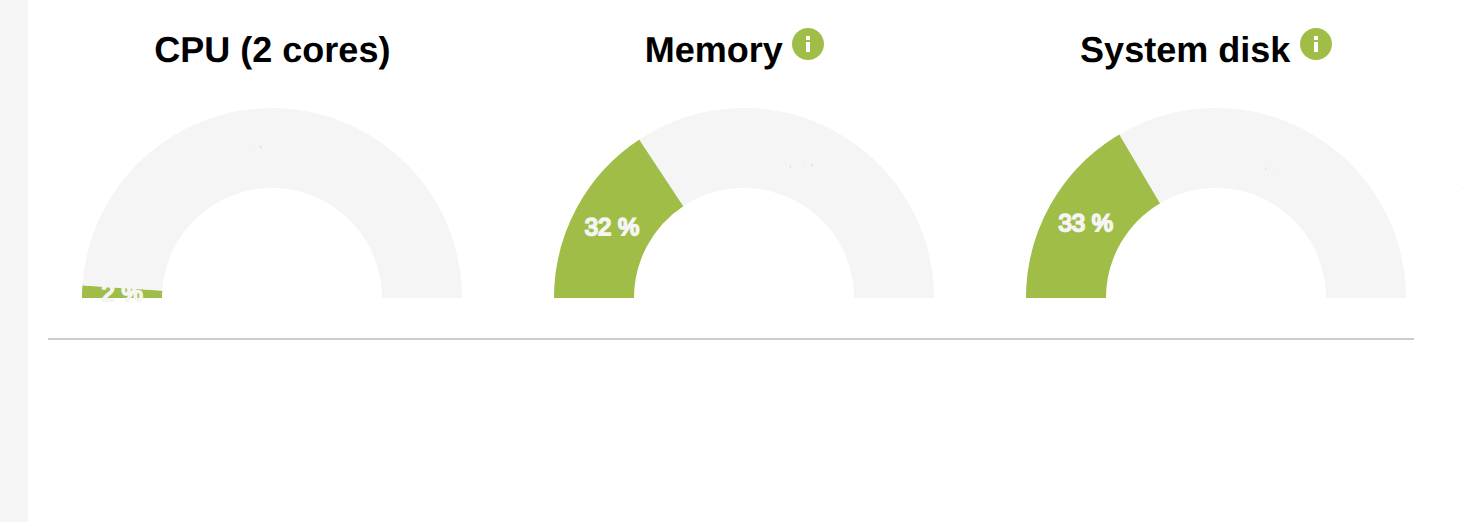
If PassMan is slow, keep an eye on how these values change. This helps you tell whether the problem is with the network (or your own computer) or with PassMan itself, on its virtual machine.