
Smart Login
To sign in to PassMan, three parameters must be given correctly: the user name, the password and the authentication provider. Users often forget to change the authentication provider, that is, to select the correct one, so the sign-in fails.
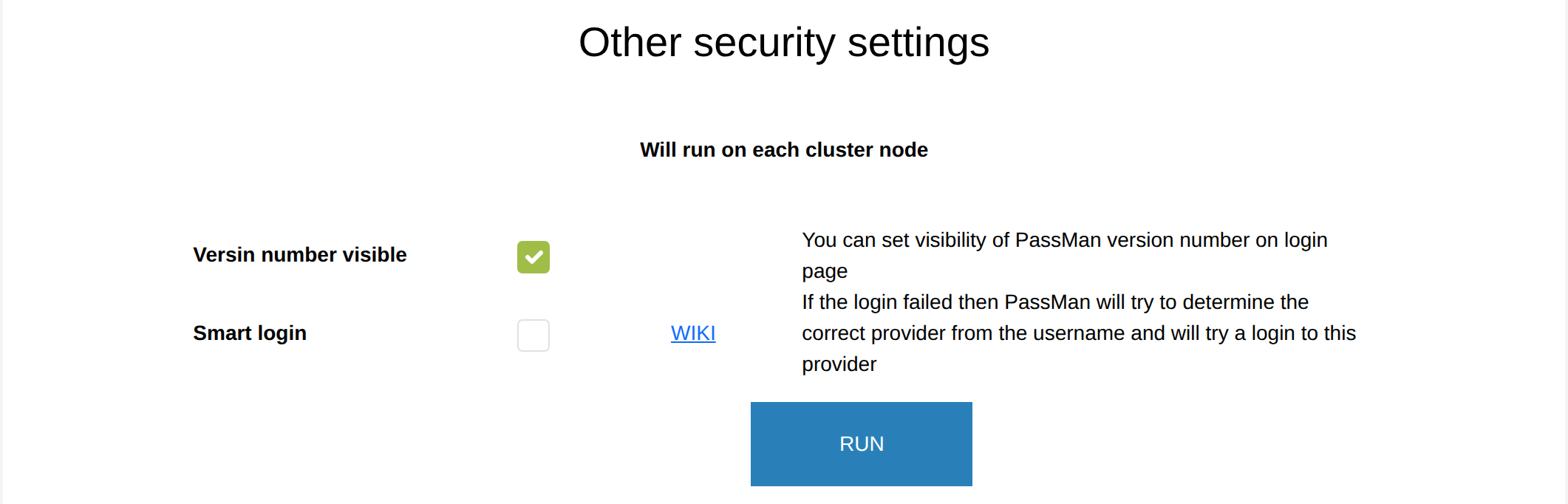
For security reasons, PassMan does not return much information about why a sign-in failed, so this setting tries to reduce sign-in failures. If the sign-in with the given data fails, PassMan tries to work out from the user name which authentication provider the user wanted to sign in with, and tries to sign in there too with the given parameters.
You turn it on in Padmin, under Other security settings, with Smart login.
Examples:
- <user name> without anything added - PassMan also tries a local sign-in.
- <user name@example.com> - PassMan checks whether the example.com domain is linked to one of the providers. If it is, it tries to connect there.