
Check login time
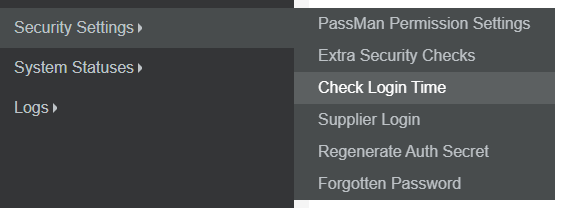
This menu can be found here:
Security settings / Check Login Time
The validation checks if your system time is synchronized with Microsoft time server.
This prevents valid login sessions from different regions.
However, it can happen that your login will also be blocked. In this case, your clock differs with more, than around 7sec.
To solve this, open: Control panel / Date and Time,
Select the 3rd tab: Internet time
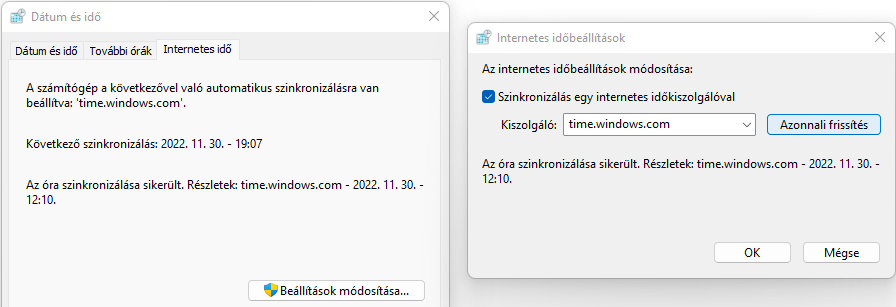
Here just click on: Modify settings, and Refresh now
It is also recommended to check your Time & NTP settings in Padmin.