
PassMan Permission Settings
Force visibility rights
When permissions are assigned, the person who gets a permission may not have the right to see the item, and so cannot see the items they have rights to. Depending on the setting in Padmin, Force visibility rights creates the read permission needed for the assigned permission to be usable. The permissions are created all the way up to the vault.
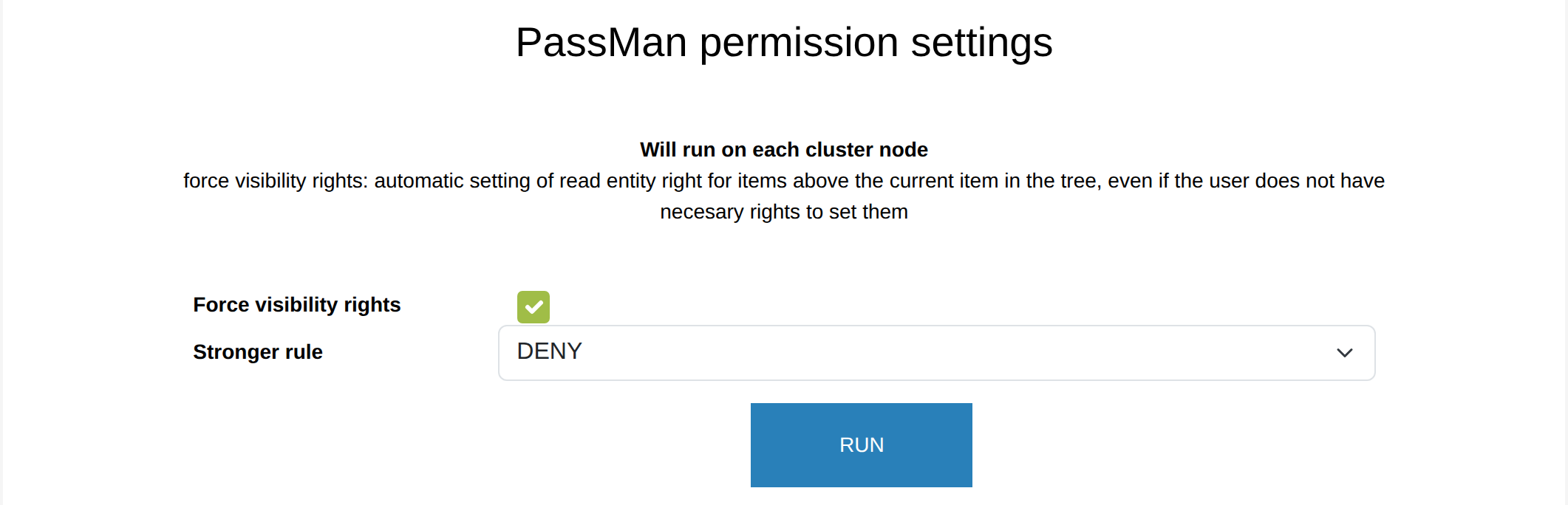
If the user has an explicit denial of the view permission on the folder in question, reading is of course not allowed. In this case, the user may still not see the folders and targets they should work with: the usability of PassMan suffers, but the security of the system increases. Inside a folder, you cannot give a user rights that are denied on a structure (folder) above it.
Evaluating rights in ACCEPT, DENY or neutral mode
With Stronger rule, you can choose one of three weightings in Padmin for evaluating the PassMan permission settings.
To understand the difference between them, it is important to know in which order PassMan evaluates the rights set in Change Permissions. First it checks the rules given on the ALL layer. Then the groups are evaluated (if there are any), and finally the explicit rules for individual users.
Neutral mode (shown as a dash): the individual rules decide over the rules for everyone. (Older PassMan versions also work this way.) It is enough if the individual has a right, or a group the individual is a member of. The rights add up and do not cancel each other out (so the result is not DENY here). Only what is allowed on a higher level is allowed, but a right on a lower layer overrides it.
ACCEPT mode: the evaluation looks specifically for Accept entries (permitting rights). It checks the entries for everyone first, then for groups, and finally the individual ones. If it finds an allow entry for Everyone, the user certainly gets that right (even if they personally have deny set). An individual user can also gain rights if their group got the Allow entries. In that case, the evaluation does not even reach the individual DENY entry (if there is one). So a user can get a right despite an explicit individual denial, if there is already an Allow entry on a higher layer: that one wins.
DENY mode: in this mode, the evaluation strictly takes every denial into account. The user certainly cannot gain extra rights here, not even from a group membership or a rule for everyone. So if the user belongs to a group on which everything is allowed (or everything is allowed for everyone), but the user has an explicit denial, the denial decides in this conflict. The evaluation follows the Deny entries, starting with Everyone (if there is one), then groups, and finally the denying entries of individual users. Unlike in Accept mode, the user is denied if Everyone:DENY is set (the denial is inherited), or if they are a member of a group that has denied rights. So something is allowed only if it is not denied on the individual level or on higher levels, and an allow entry on some level confirms the right.
Despite the Deny branch, every user can reach their own private folder: they can see its items and work with them (with full rights).
Despite the Deny branch, the superadmin user can see every folder and its items (full read right), and can update the rules, so they can give themselves full ACL in all three modes.