
Open the Safe
Agent draft - pending team review. 2026-09-24. The three screenshots were retaken to the house style (1280×900 at 2×, each screen clipped to its own component) against build 4.8.0_DEV-b1201-26.09.24-5ef542c5f, on a test instance whose vault was closed. The third screenshot shows the Targets tab, where the + icon carries the ‘Create target’ tooltip. The text below is unchanged. A reviewer removes this panel.
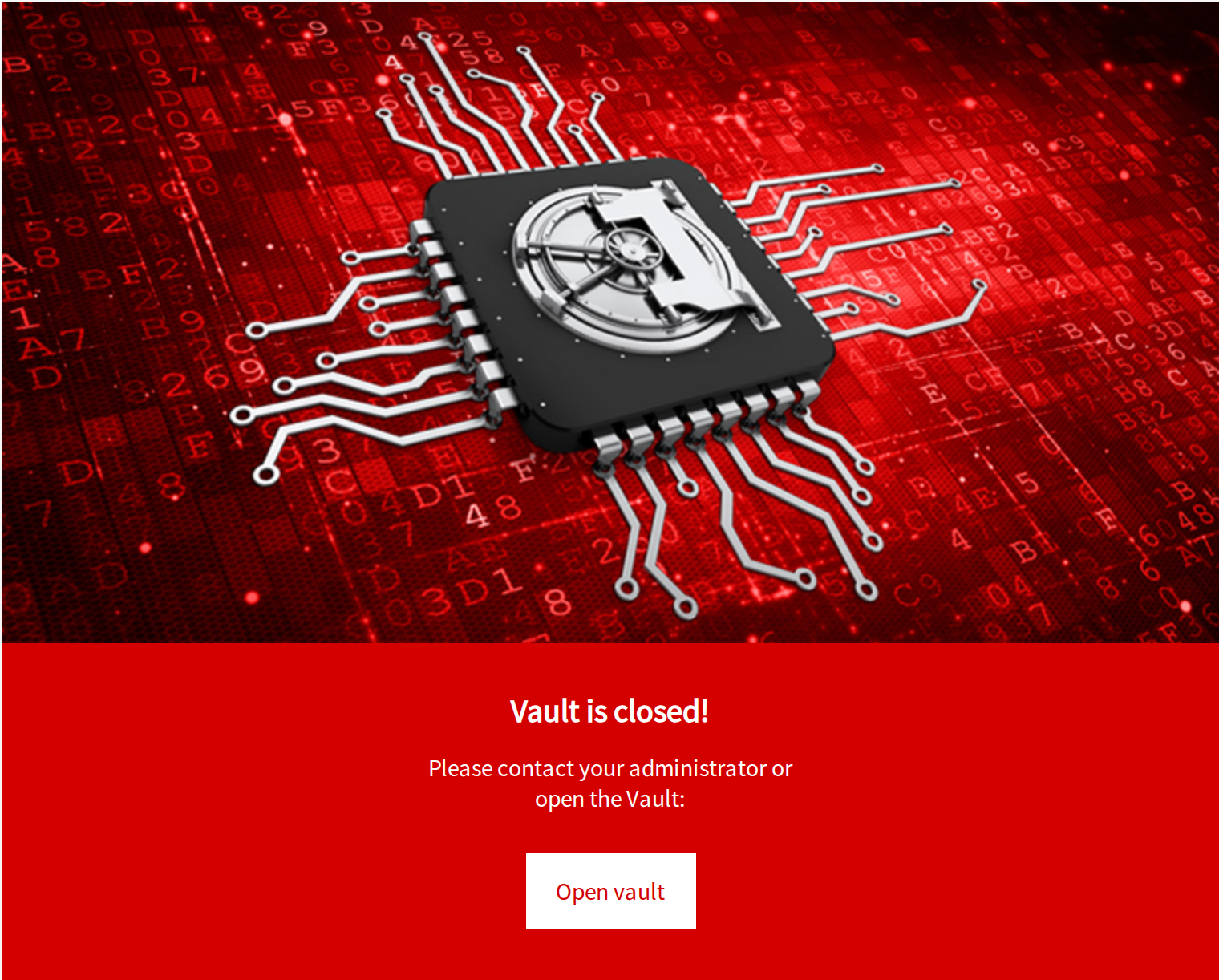
If you see the window bellow than you have to open the SAFE!
Click on Open vault button
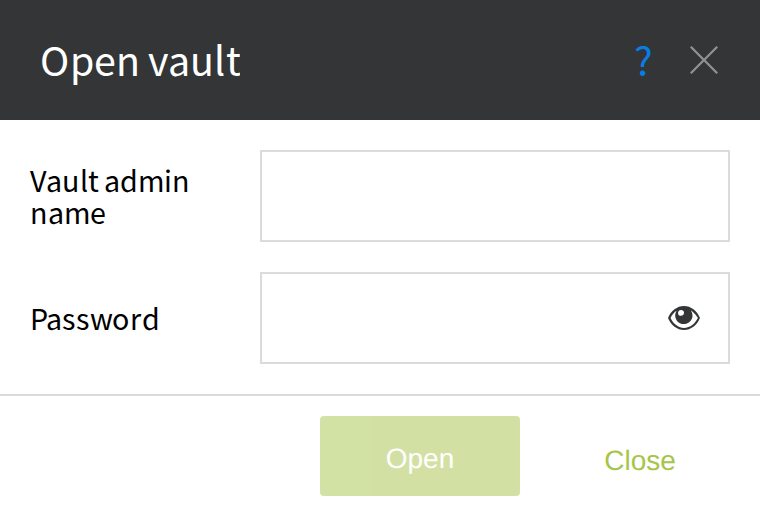
Fill the Vault admin name and Password and click on Open button.
After opening the SAFE you will see this page.
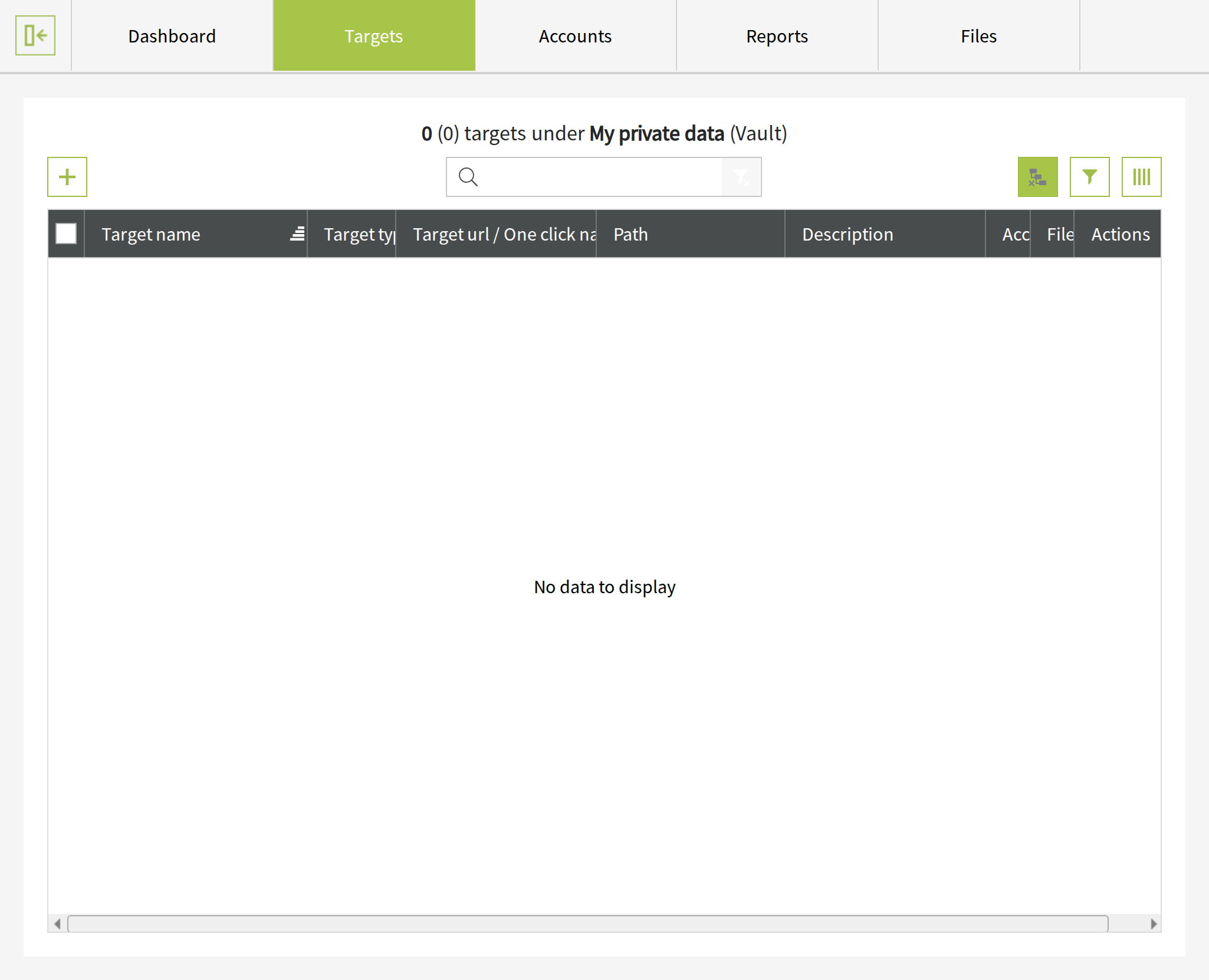
You can put data into PassMan click on Create target button to save your new target (webpage) data in PassMan.
First users
If this is your first use of PassMan you can read details of using.