
Padmin settings to reset password
A. Network settings
These settings are needed so that you can also work in PassMan with Windows machines that were added by name. In Padmin, go to System settings > Network settings.
Here, enter your DNS server as the primary one (in Dns 1).
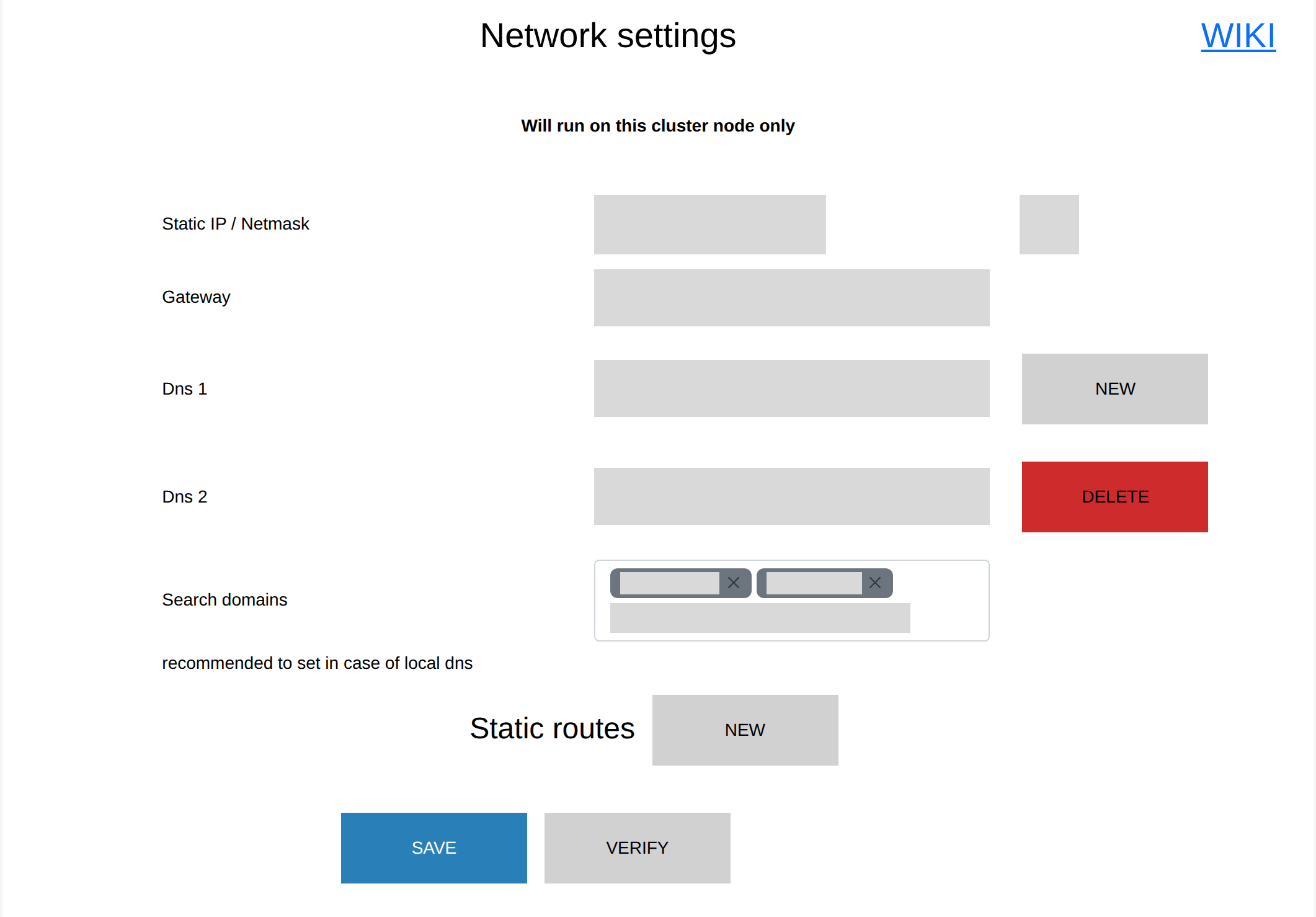
Also fill in Search domains, that is, the domains in which PassMan resolves names.
B. Nslookup
If you have added (or want to add) a domain controller (DC) machine to the system, go to System statuses > Nslookup.
Here, enter the name of the machine in Host, in a format like companydc.passmanad.local.

This setting is needed so that you can change passwords on a domain controller for accounts that are out of sync, with the help of the admin account. From then on, it is no longer a problem if the domain controller field in the target settings is filled in with a name rather than an IP address. For this, it is still important that PowerShell remoting is turned on.