
Auto-reset credentials
PassMan lets you schedule password changes: you can set how long a password stays valid, and before it expires, PassMan generates a new password and replaces the old one with it.
Warning
For automatic password changes, the Auto reset enabled setting must be turned on in Padmin (see Auto jobs). It is off by default.
Turning on the automatic password change
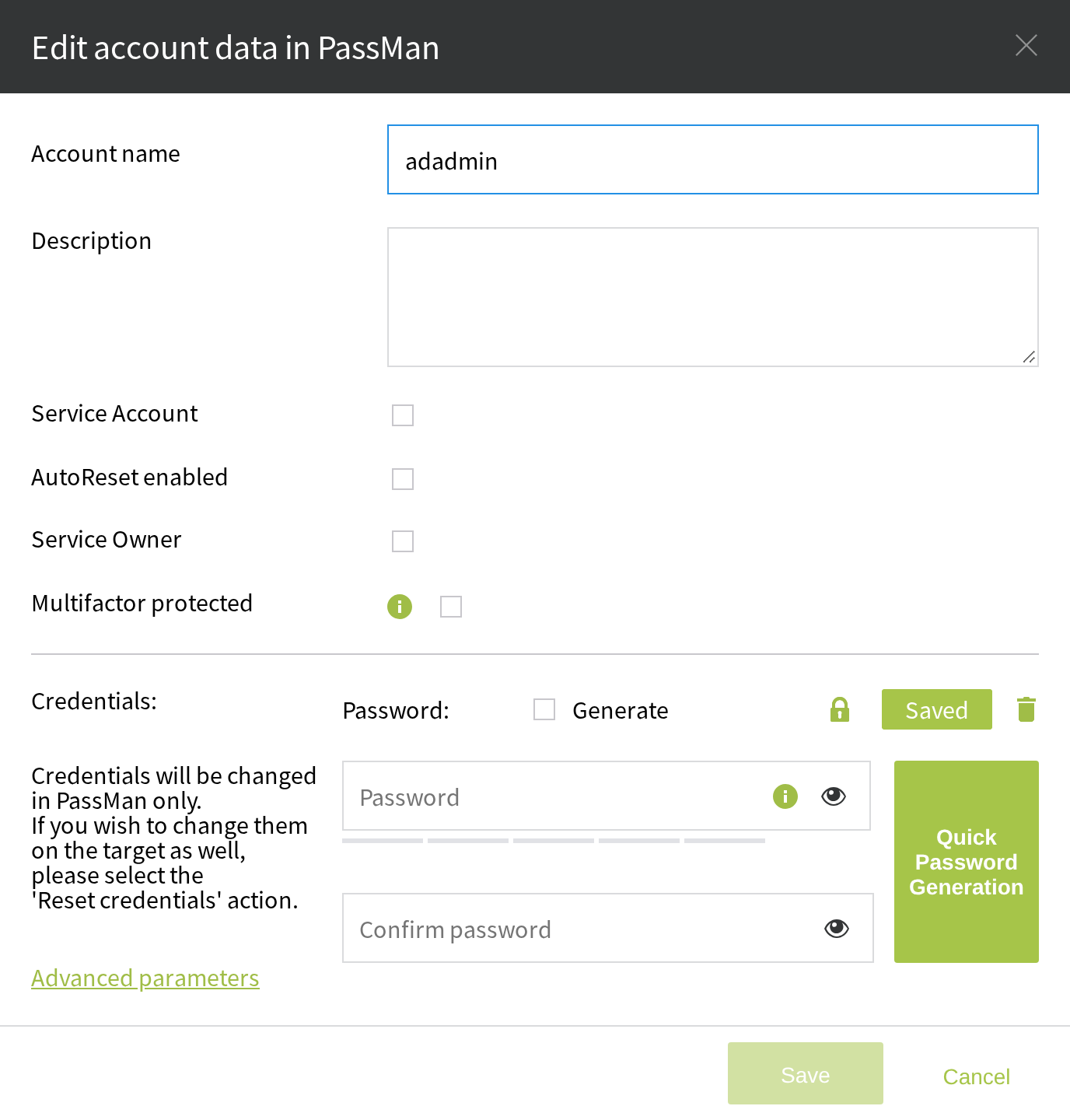
- Edit the account.
- Select the AutoReset enabled checkbox for the account.
- Select Save to apply the setting.
PassMan always generates the new password from the current password policy, where you can set how long a password stays valid (for example, 30 days) and how complex it must be.