
Authentication provider settings
Besides local sign-in (with the users registered in PassMan), PassMan can integrate with external systems: for the users registered there, it has those systems do the sign-in (authentication).
Supported providers
- Microsoft AD provider
- Microsoft Entra ID (Azure) provider
- SAML2 provider
- JIRA Cloud provider
- Oracle OID provider
Sign-in providers
You set up the sign-in providers in Padmin, under System settings > Authentication.
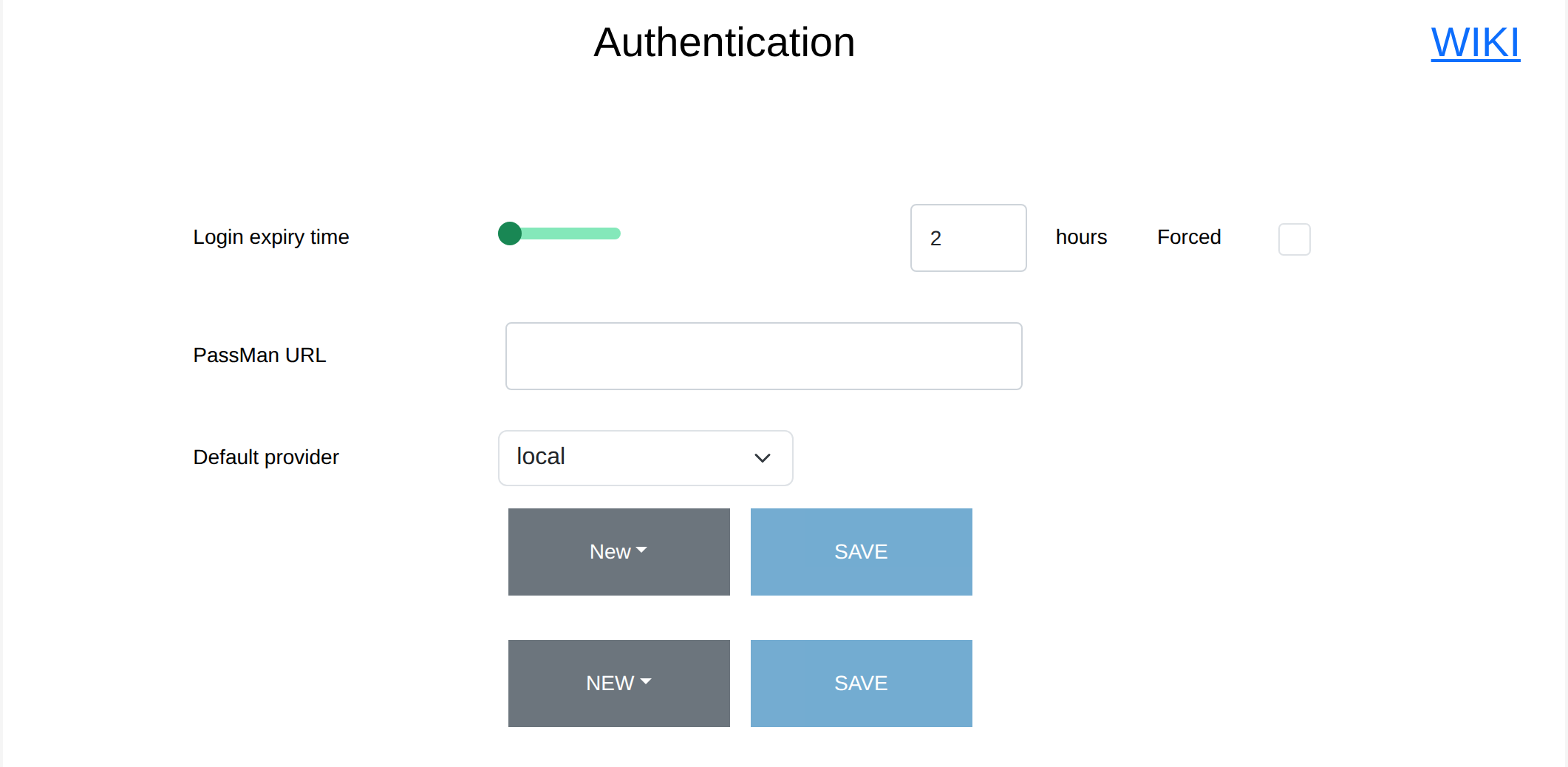
Basic sign-in data
These settings apply generally, that is, to sign-in with any provider.
Login expiry time
How long users can work in PassMan by default without having to sign in again. Users can override the default set in Padmin in their own profile settings, unless Forced is selected. If Forced is selected, the own setting of every user who signs in after the change is overwritten, and the value set here applies to them.
PassMan URL
This link appears in notifications and email reports, and points to where PassMan can currently be reached.
Default provider
The PassMan sign-in page shows the default provider; the other providers can be chosen from a list. Set the most used provider as the default. If a user changes the provider at sign-in, it is saved, and it is their default provider the next time they sign in.
Select NEW to create a new provider, choosing its type from the list that appears.
The provider-specific settings are described on these pages:
- Active-directory - Microsoft AD provider
- Azure AD - Microsoft Entra ID (Azure) provider
- Jira OAuth2 - JIRA Cloud provider
- Oracle IDCS - Oracle Cloud provider
- Saml2 - SAML2 provider