
User activity
The User Activity dialog lists the users together with their most important activity data: when they last signed in, and how many passwords they viewed in the last 7 days (password checkout). Open it with User activity in the User administration dialog.
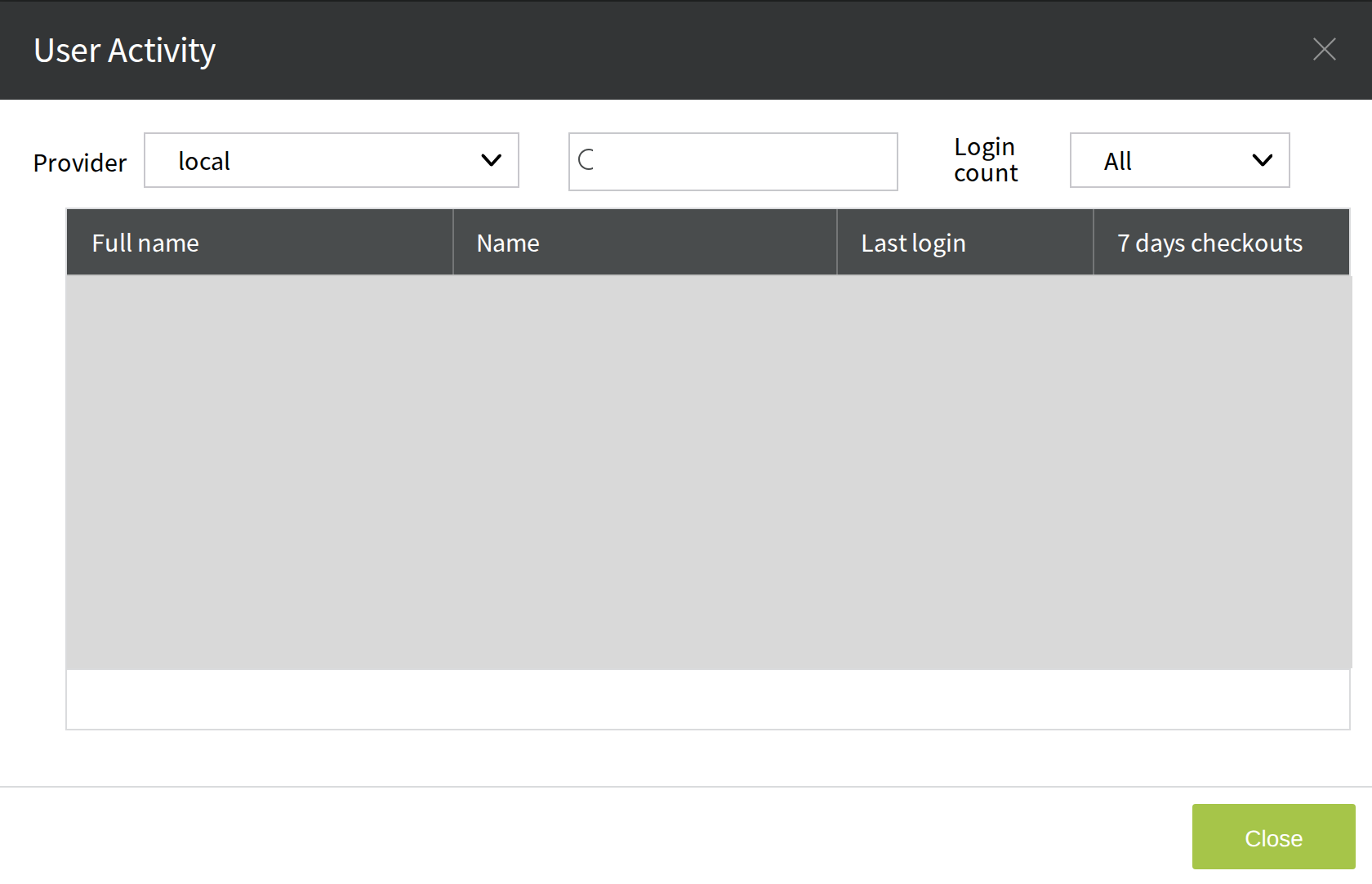
If a user has never signed in, Last login shows Never.
Use the Login count list in the upper-right corner to show only the users who have never signed in (Never), or only those who have signed in At least once. Only the users that match the filter are listed.
In the upper-left corner, the Provider list filters the users by their sign-in (authentication) provider. By default, the users of the local provider (local) are shown.
For more about authentication providers, see Authentication provider settings.